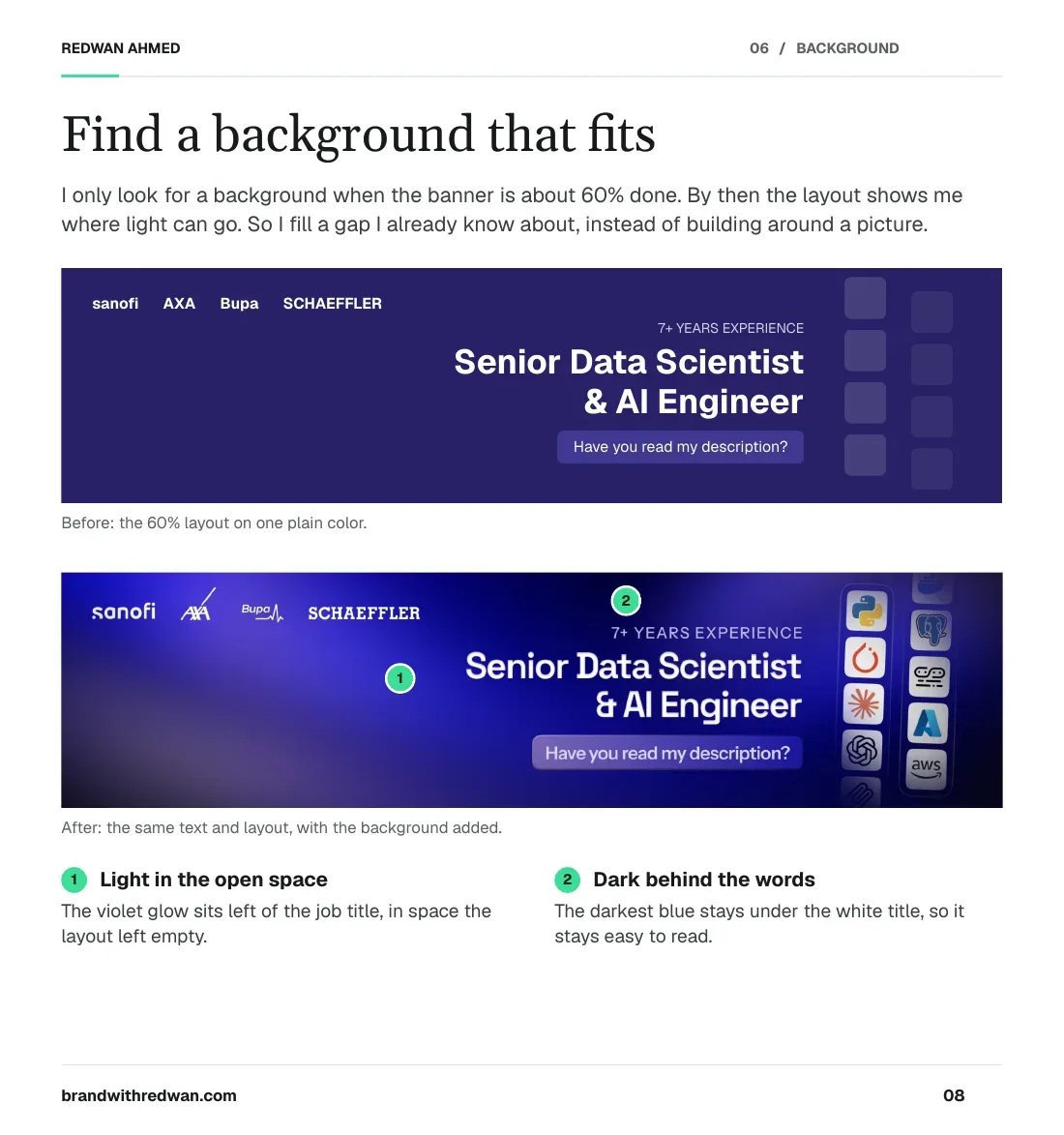
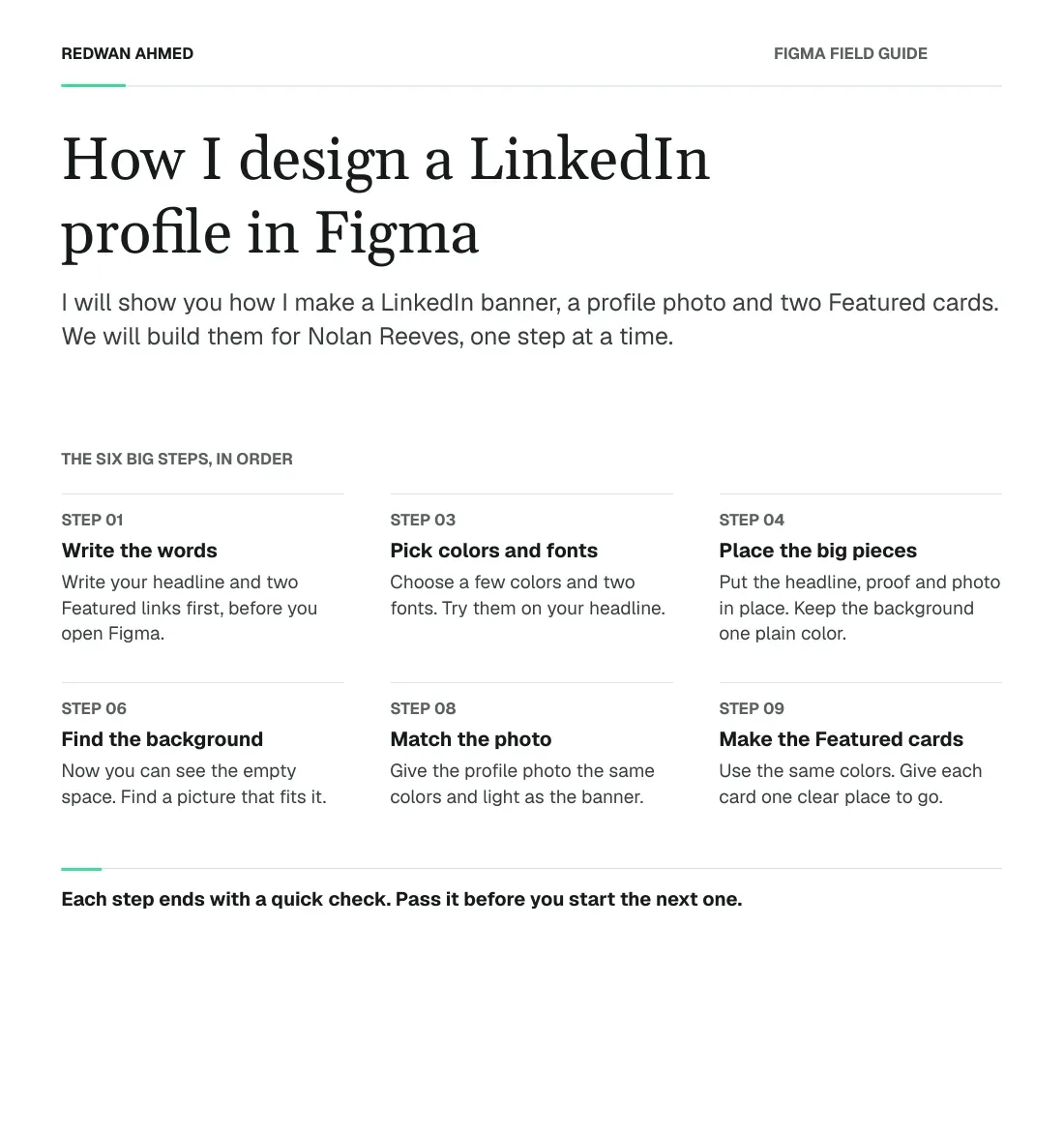
Step-by-step Figma workflow
From the first line of copy to four exported images. Clear enough for your first banner, detailed enough for working designers.
Figma guide · 18 pages · PDF
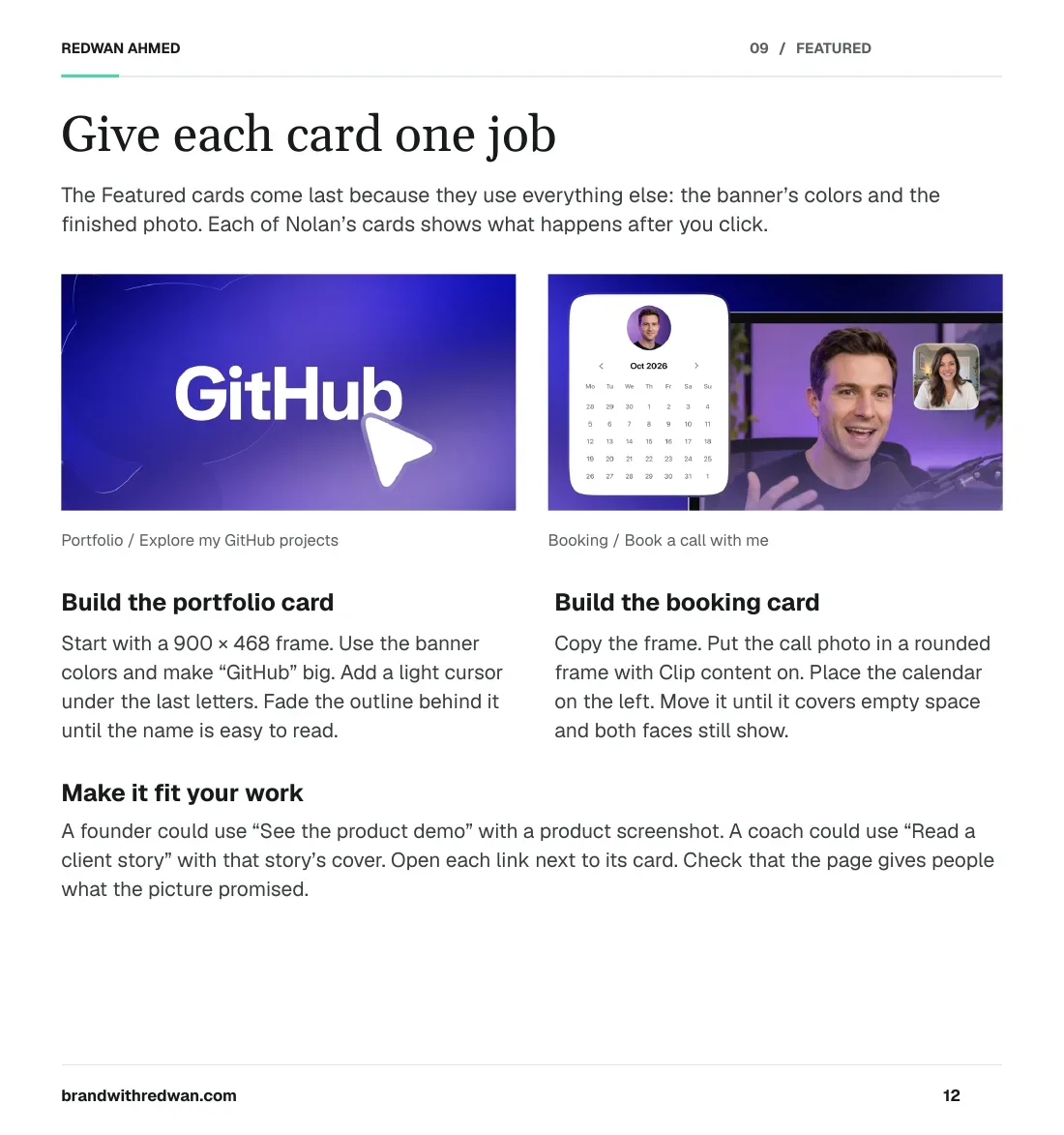
The step-by-step process I use for clients: the banner, a headshot that matches it and two Featured cards that get clicked.
One-time payment. The PDF and its working files arrive by email a minute after you pay.
$36,565
paid by my LinkedIn branding clients

One of the best in the game!Dom Odoguardi

The final result looks amazing.Sonia Castelan

Exactly the style I wanted.Clément Charlemagne

Clean, sharp and instantly trust-building.Alexandre Guillemine
That's what clients have paid me to design their LinkedIn banners, headshots and Featured cards. This guide is that exact process, written down in the order I work, for $2.99.
Three guides that work together, plus the small lessons that make a profile look finished.
From the first line of copy to four exported images. Clear enough for your first banner, detailed enough for working designers.
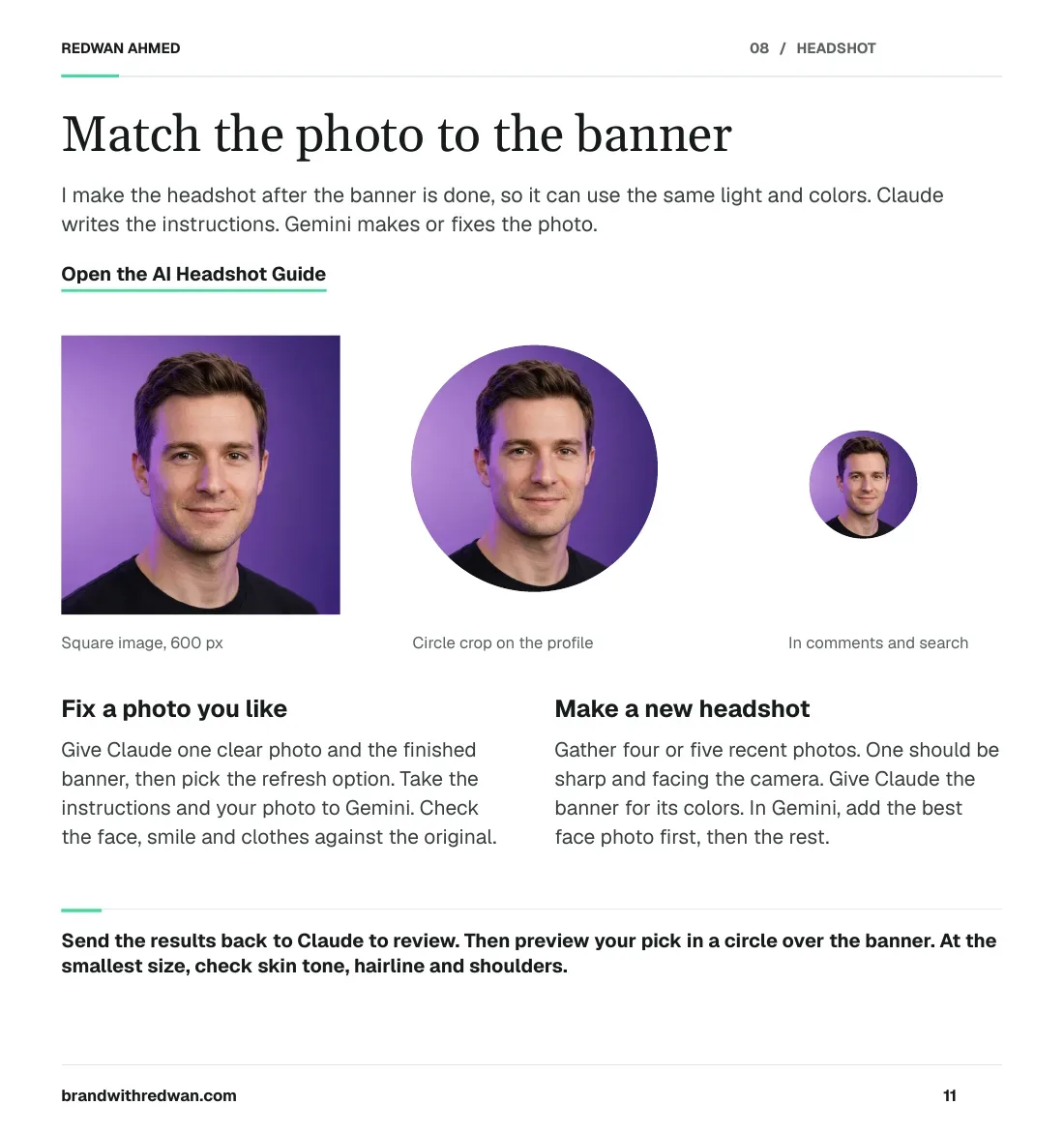
Fix a photo you like or make a new one with Claude and Gemini, lit and colored to match your banner.
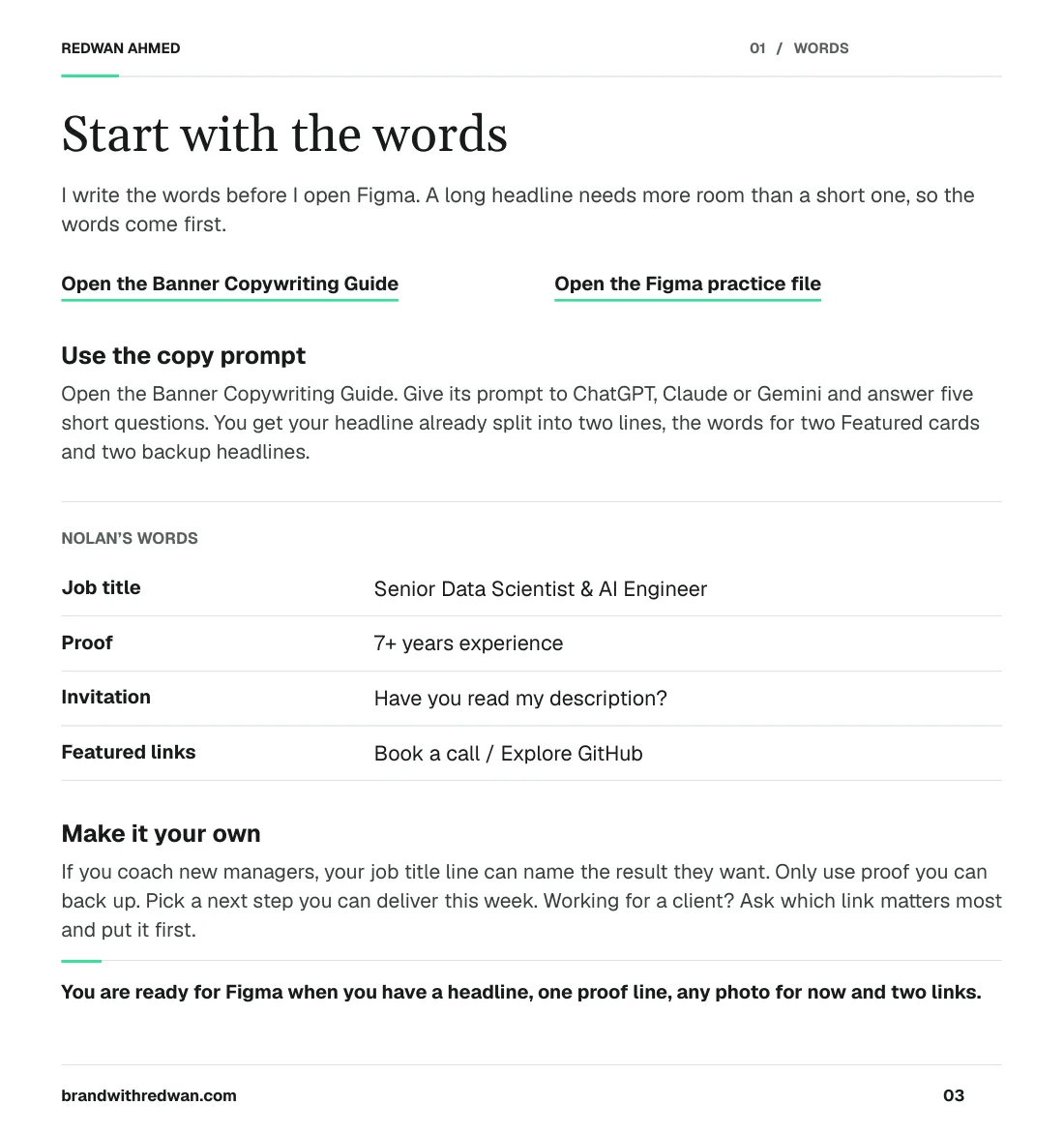
Answer 5 questions and get your banner words and two Featured cards, sized to fit the design.
Included with the guide
Duplicate the page and build your profile into four blank frames: the banner, your photo and two Featured cards. The finished example sits right beside them, so you can compare as you go.
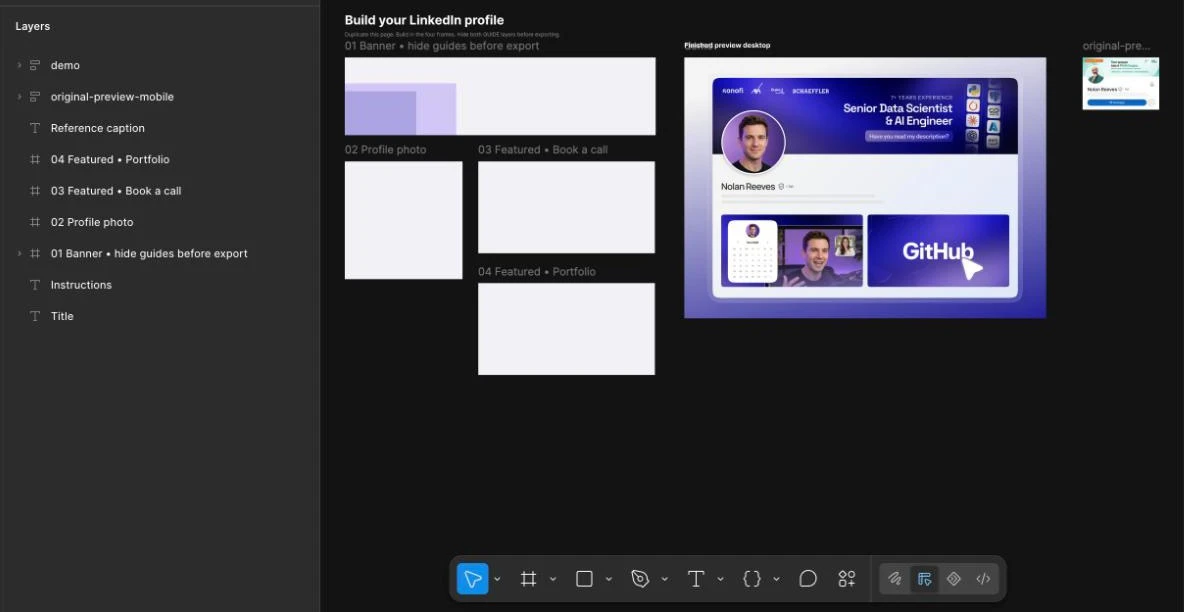

Follow the same steps I use on paid projects, from the client's first words to the four images you hand over.
No design background needed. Write your headline, follow the steps and check the result on your own phone.

At checkout you can also add 10 editable Figma branding kits if you'd like a ready-made starting point.